19. Stem Busses
Optional on Stem Busses
Use of TAM(D) on your project's stem busses is completely optional. You can choose to use TAM(D) only on your individual channels and the master bus, and the system will still function correctly.
To apply TAM or TAMD to your stem busses, you will want to load an instance of YSFX as the first insert on each stem bus. Then, load the JSFX file for TAM or TAMD. By default, it will look like the following:
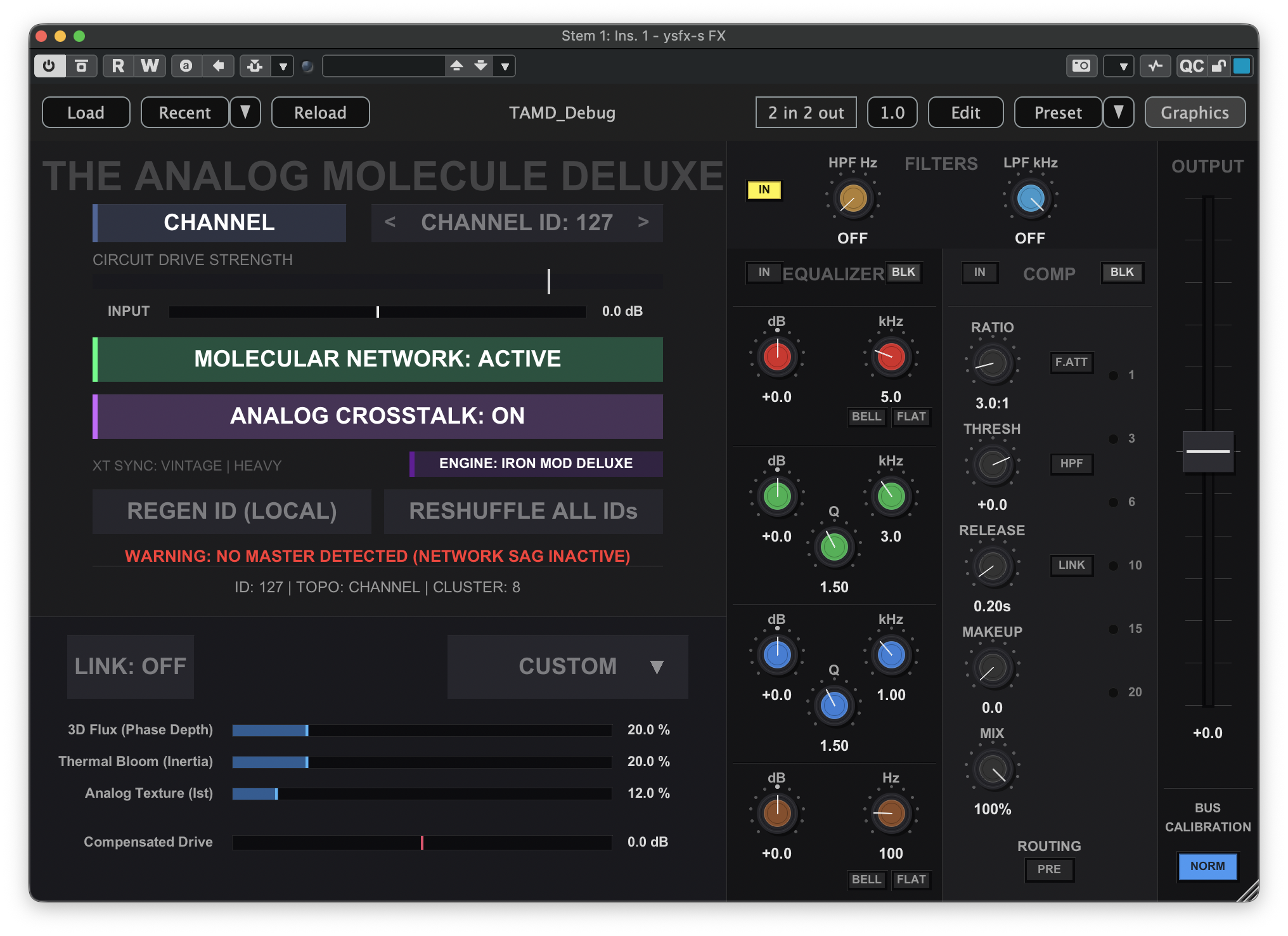
All stem busses need to be configured as a Bus. To make this change, click the CHANNEL button near the top of the plugin GUI, then click Bus. This will update the topology of the instance to a bus, and the plugin will now appear like the following:
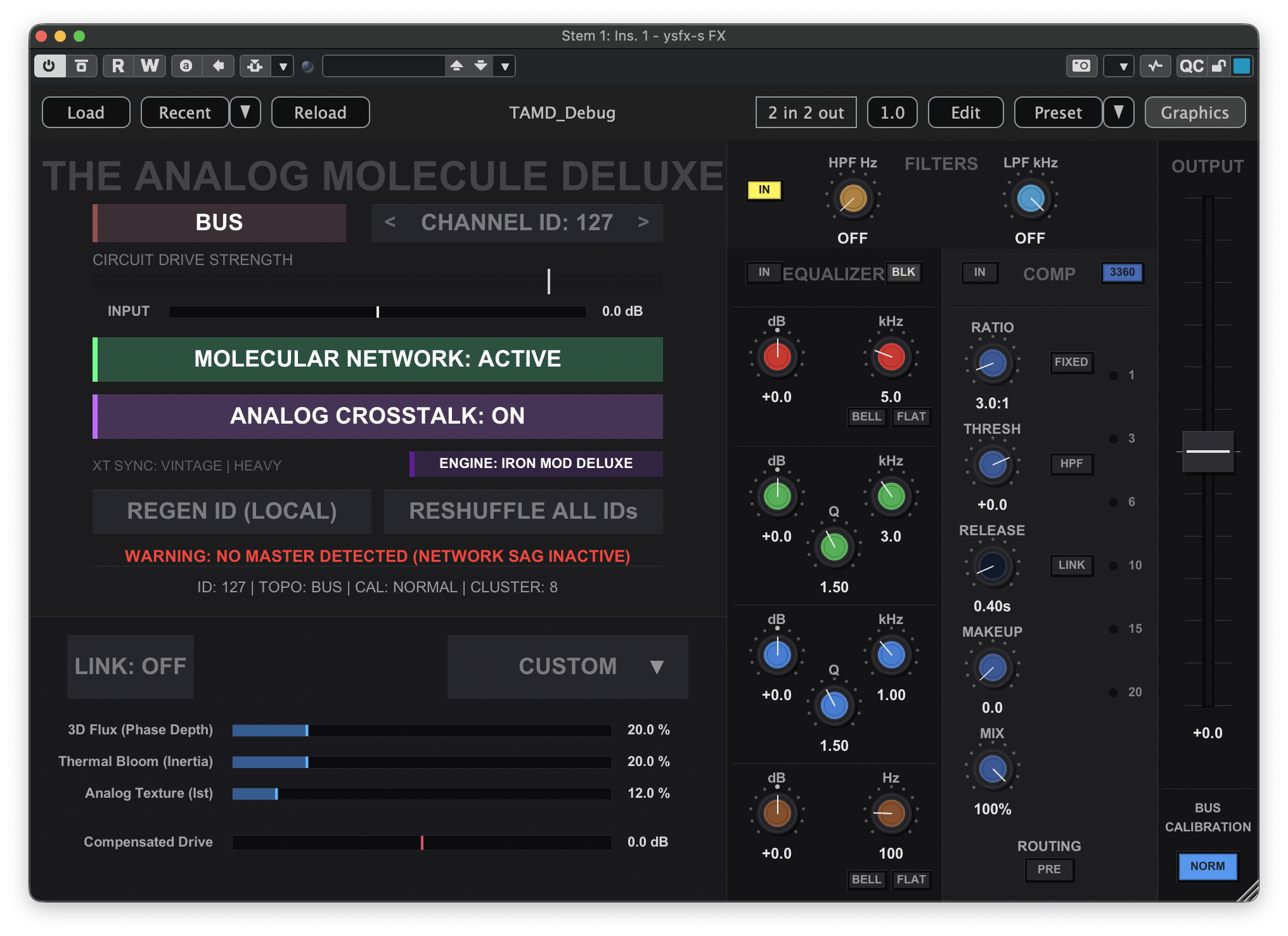
Repeat this process for all stem busses in your project, making sure to set each instance to a Bus rather than a Channel.