10. Stem Busses
To use THS on a stem bus, you will need to begin by instantiating YSFX at the end of the stem bus's insert slots. Then, open YSFX. By default, YSFX will look similar to the following:

To load THS, click Load and navigate to the folder where you saved your copy of the plugin. Select the JSFX file for THS, and then click Open. Once loaded, YSFX should look similar to the following:
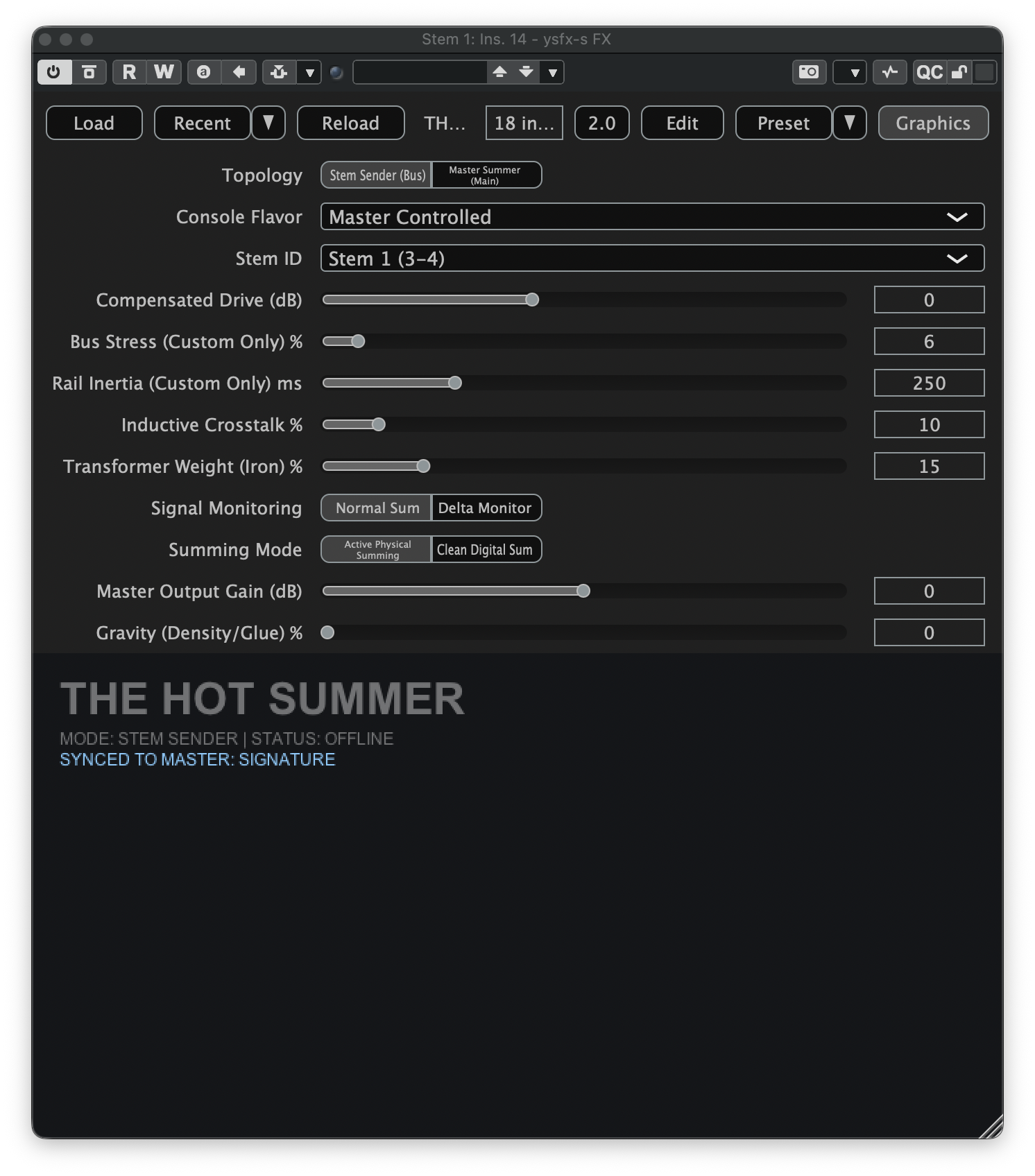
The main parameter to pay attention to at this stage is the Stem ID. THS supports summing for up to 8 stem busses, and for the plugin to function correctly, each stem must be set to a unique ID. As you load THS on your stem busses, make sure to update the Stem ID parameter so each bus is assigned a unique value.